
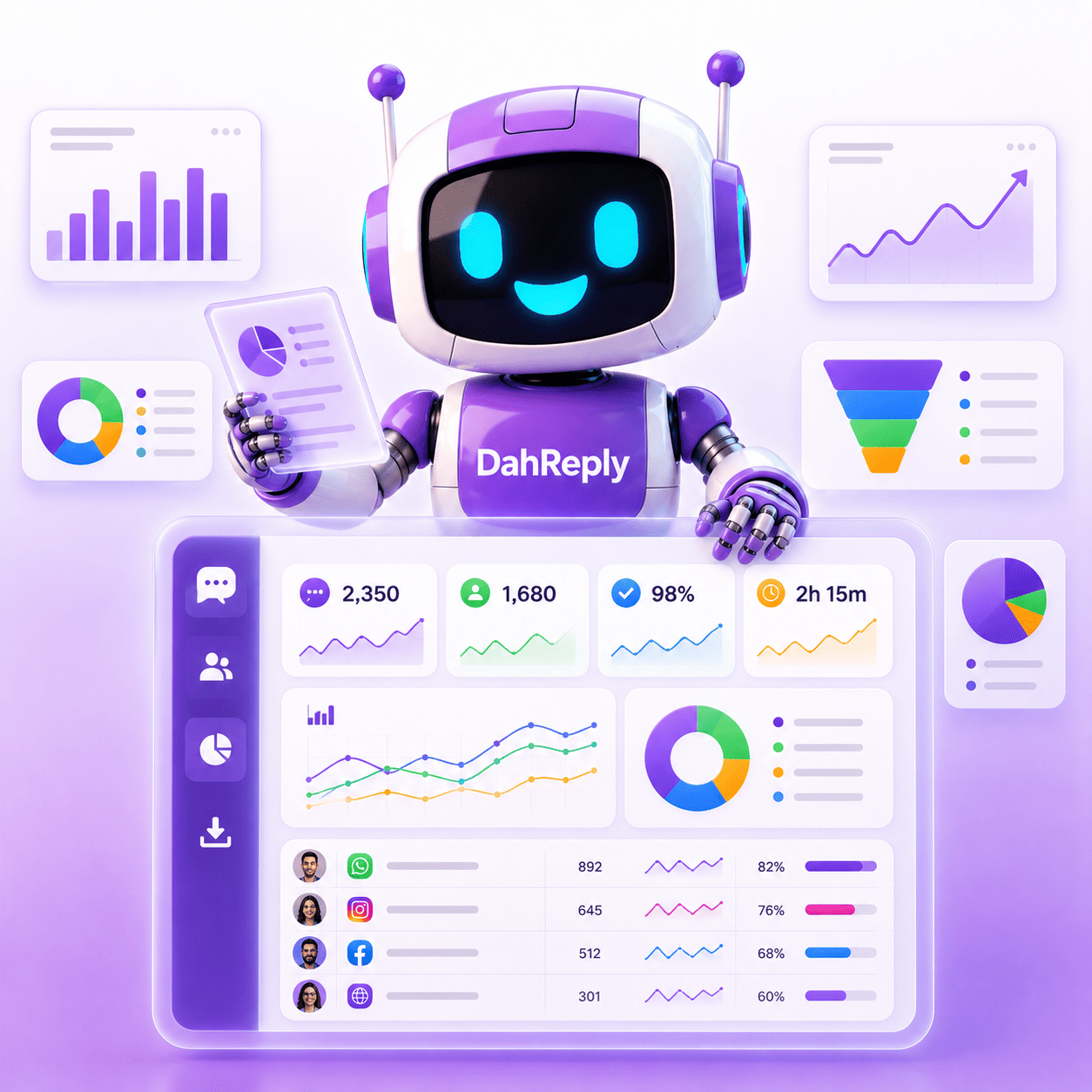
You Cannot Improve What You Cannot See
DahReply's Reports give you the full picture, in real time and across your entire history, so you can stop guessing and start improving.
Business Owners
For leaders who want a top-level read on support health, team productivity, and customer experience without wading through raw data.
CS Managers
For managers who need a clear, accurate view of team performance, conversation trends, and customer satisfaction.
Operations Teams
For teams who need to identify bottlenecks, track SLA compliance, and build a case for resourcing decisions with reliable, exportable data.
HR & Team Leaders
For leads responsible for agent performance reviews, workload distribution, and team accountability across the support function.
 Reports Management
Six Report Views. One Complete Picture of Your Support Operation.
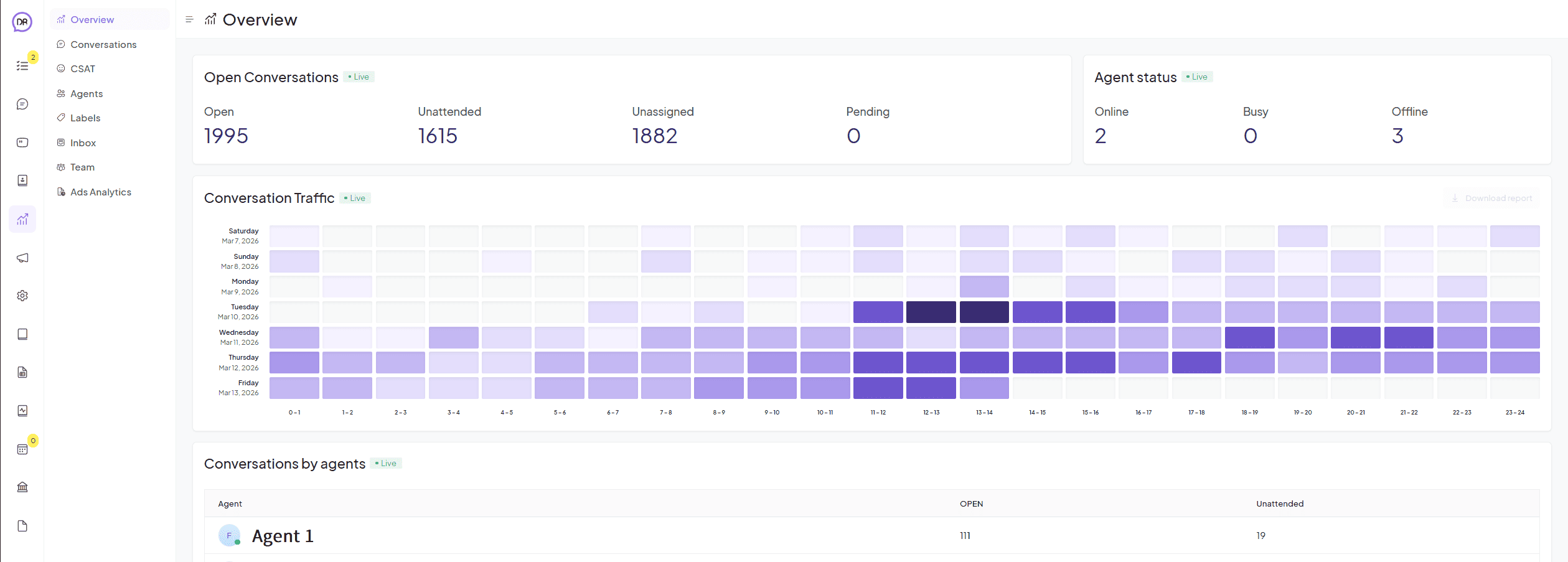
DahReply's Reports module gives you dedicated reporting views covering every dimension of your customer support operation.
 Report Views
Every Angle of Your Support Operation. Covered.
Each report view in DahReply is purpose-built to answer a specific set of questions about your support operation.
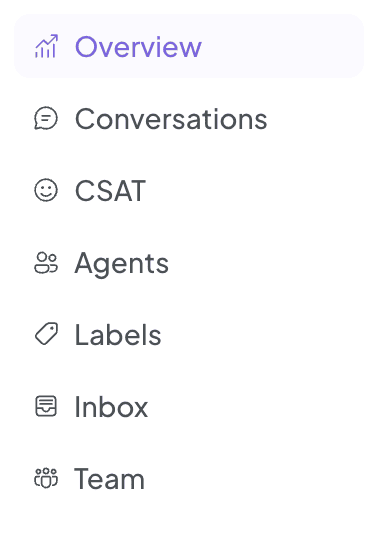
- Conversations: Track total conversation volume, incoming message trends, and resolution rates over any time period. Understand when your team is busiest and where demand is growing.
- CSAT: Measure customer satisfaction scores across conversations, agents, and channels. See how your support quality is perceived and track improvements over time.
- Agents: Monitor individual agent performance including conversations handled, response times, and resolution rates. Identify your top performers and spot who needs additional support.
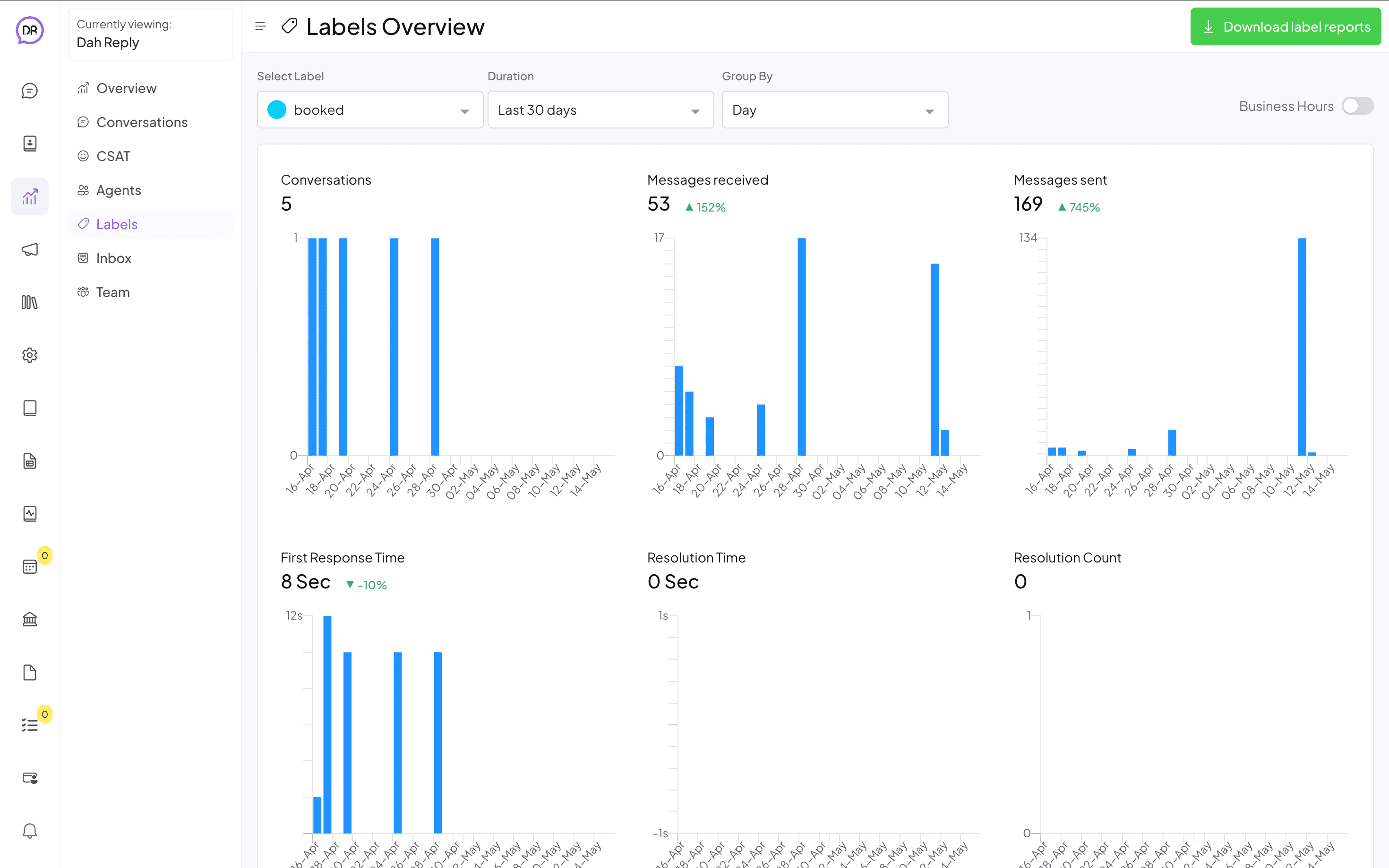
- Labels: See conversation volume and trends broken down by label category. Understand what your customers are asking about most and track how efficiently each category is being resolved.
- Inbox: Get a full health check on your Shared Inbox. Track open, pending, and resolved conversation counts and monitor how quickly your team is moving conversations to resolution.
- Team: Measure performance at the team level across agents, channels, and conversation types. Useful for managers overseeing multiple teams or support functions within the same organisation.
 Live and Historical Reporting
See What Is Happening Now. And Everything That Happened Before.
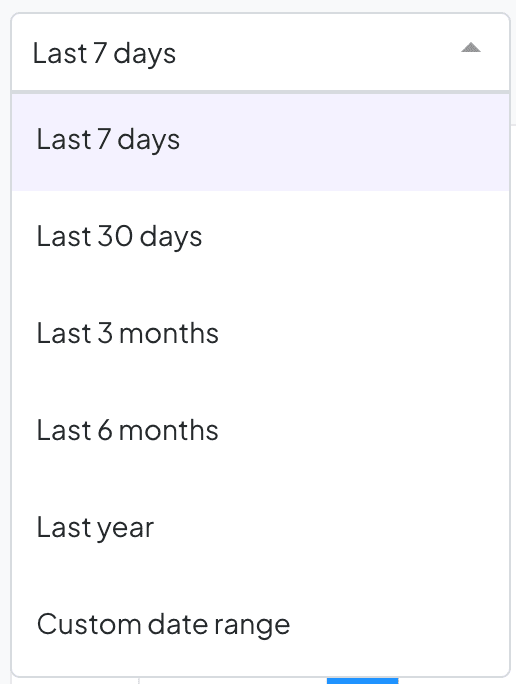
The live dashboard updates in real time so managers can monitor performance as it happens and respond to spikes before they become problems. Historical data lets you set any custom date range to analyse trends, measure progress, and build a reliable record of your support operation over time.
- Real-Time Dashboard: See live conversation volumes, active agent status, and current inbox health the moment you open the Reports module.
- Custom Date Ranges: Set any start and end date to pull historical data for a specific period. Useful for monthly reviews, quarterly reporting, and year-on-year comparisons.
- Trend Analysis: Spot patterns in conversation volume, response times, and CSAT scores across weeks, months, or longer periods to inform staffing and process decisions.
- Data Export: Export any report as a file to share with stakeholders, build presentations, or feed into your own business intelligence tools.
Flexible Filters and Access SettingsDrill Down to Exactly the Data You Need.
DahReply's Reports let you filter data by channel, agent, label, or team so you always see the numbers that matter to your specific role. And with configurable access settings, you decide who on your team can see what.
- Filter by Channel: Isolate performance data for WhatsApp, Instagram, Facebook Messenger, or any other connected channel independently.
- Filter by Agent or Team: View performance data for a specific agent or an entire team. Useful for one-on-ones, performance reviews, and workload balancing.
- Filter by Label: Cross-reference your label data with performance metrics to see how efficiently specific conversation categories are being handled.
- Configurable Access: Choose which team members can access the Reports module and what level of data they can see. Keep sensitive performance data visible only to those who need it.
The DahReply Advantage
Purpose-Built Reporting That Turns Support Data Into Better Decisions
No Spreadsheets Required
All your support data is captured, organised, and visualised automatically inside DahReply.
One Source of Truth
Every manager, team lead, and agent works from the same data.
Data That Drives Action
DahReply's Reports are built to surface insights, not just numbers.
How It WorksFrom Raw Conversations to Actionable Insights
Data Is Captured Automatically
Every conversation, response, resolution, and CSAT score is logged in real time across every channel and every agent from day one.
Open Your Report View
Choose from six dedicated report views. Apply filters by channel, agent, label, or team. Set your date range.
Act on What You Find
Identify trends, address performance gaps, export data for stakeholders, and make decisions backed by real numbers.
See What People are Saying About Dah Reply

Dah Reply truly transformed our productivity and customer service! The chatbot boosted our engagement, increased click-through rates, and reduced response times for quicker resolutions. Their project management was excellent, meeting deadlines and providing prompt support.
Tan Aik Keong
CEO at Agmo Studio Sdn Bhd
Trusted by Top Businesses Across Asia













FAQs
Have questions? Don't worry—we're here to guide you toward a solution that fits your needs perfectly.
DahReply's Reports module includes six dedicated views covering conversations, CSAT scores, agent performance, label trends, inbox health, and team overview. Together they give you a complete picture of your support operation in real time and across your full conversation history.
Yes. The Reports dashboard updates in real time so managers can monitor live conversation volumes, active agent status, and current inbox health as it happens. Historical data is also available for any custom date range you set.
Yes. Reports can be exported as a file for sharing with stakeholders, including in presentations, or feeding into your own business intelligence tools.
Access to the Reports module is configurable. You can choose which team members can view reports and what level of data they are able to see, keeping sensitive performance information visible only to the right people.
Ready to Optimise Your Business with AI?
Contact us today to learn more about how our AI solutions can help your business grow and succeed.

Articles on Chatbots You Might Like...
View More Articles
How AI Transformed UEM Sunrise’s Customer Experience: Chatbot for Property Management
Discover how UEM Sunrise enhanced customer service, lead generation, and data insights with an AI chatbot for property management.
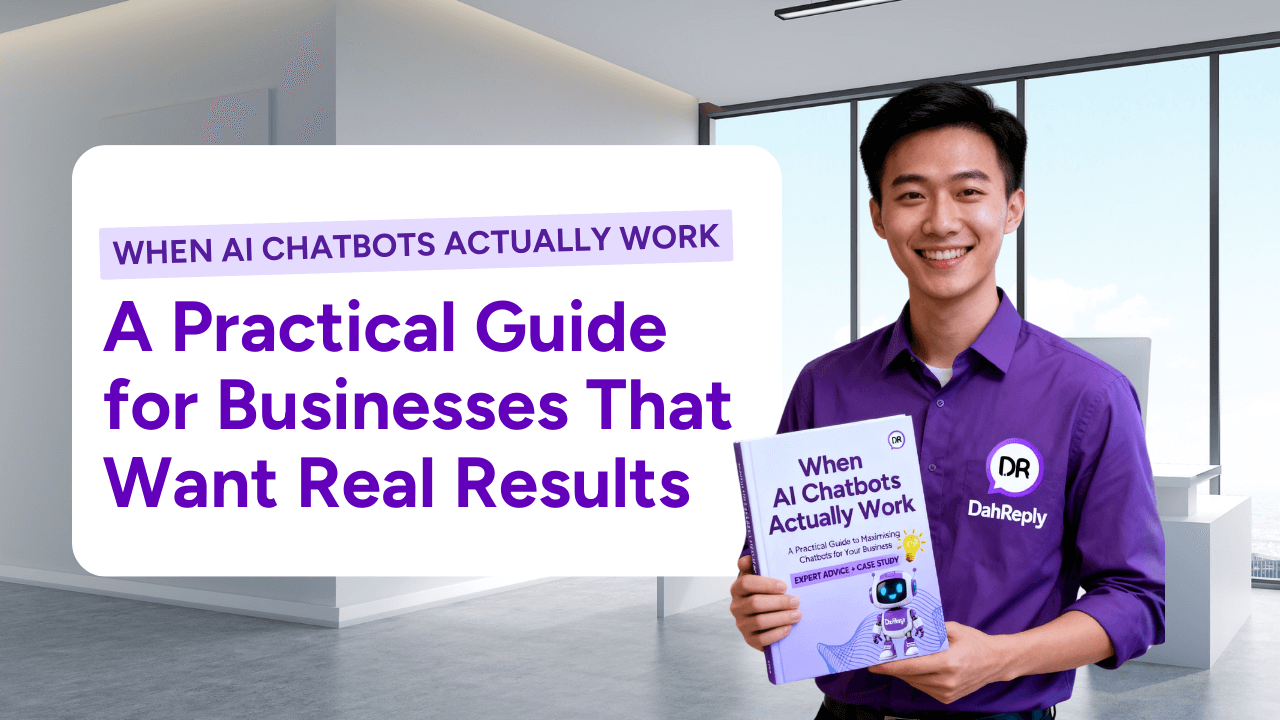
When AI Chatbots Actually Work | High-Performing AI Chatbots for Business
Most AI chatbots fail to deliver ROI. Learn what makes a high-performing AI chatbot and download our practical guide to choosing the right chatbot for your business.

RM5 Million Investment for AI: How Selangor Is Pioneering Smart Governance
Selangor’s RM5 million AI investment is driving smarter governance with automation and AI chatbots. Learn how this initiative is shaping Malaysia’s digital future.